DCSWatch Integration
DCSWatch is a separate DICOS product for managing watches on Spectrum models. It uses OneClickExt as its platform. The OneClickExt daemon and client must be running for DCSWatch to function, but DCSWatch is installed and licensed independently.
Installation
DCSWatch has its own installer, separate from the OneClickExt installation:
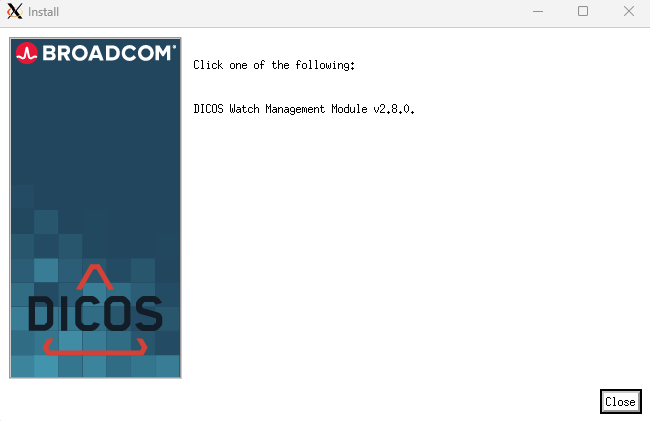
Run the DCSWatch installer on the Spectrum server after OneClickExt is already installed and running. The installer registers the DCSWatch model types with Spectrum and configures the integration.
Menu integration
Once DCSWatch is installed, its menu entries appear automatically in the Spectrum console. No manual changes to custom-menu-config.xml are required:
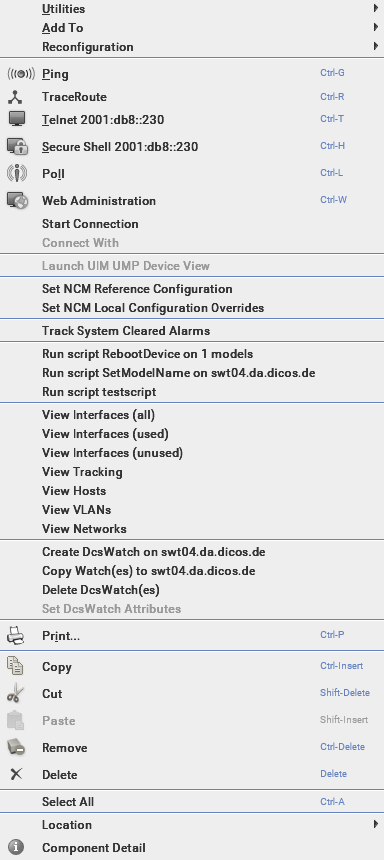
The four DCSWatch actions are:
| Entry | Description |
|---|---|
| Create DcsWatch | Create a new watch on the selected device |
| Copy Watch(es) | Copy existing watches to the selected device |
| Delete DcsWatch(es) | Delete watches from the selected device |
| Set DcsWatch Attributes | Configure the attributes monitored by an existing watch (only active when a watch exists on the device) |
Further documentation
For full usage documentation on configuring watches, attribute monitoring, and reporting, refer to the DCSWatch product documentation.