Integration: Slack
Create a Slack integration in the following steps
- Create a Slack app (if you don't have one already)
- Go to Slack Apps and create an app or select an existing one.
- Enable incoming webhooks
- Go to Incoming Webhooks in your App Management Board and activate this feature.
- Create an incoming webhook
- You can create a new webhook in the same menu
- Click on Add New Webhook to Workspace
- Choose your workspace and channel
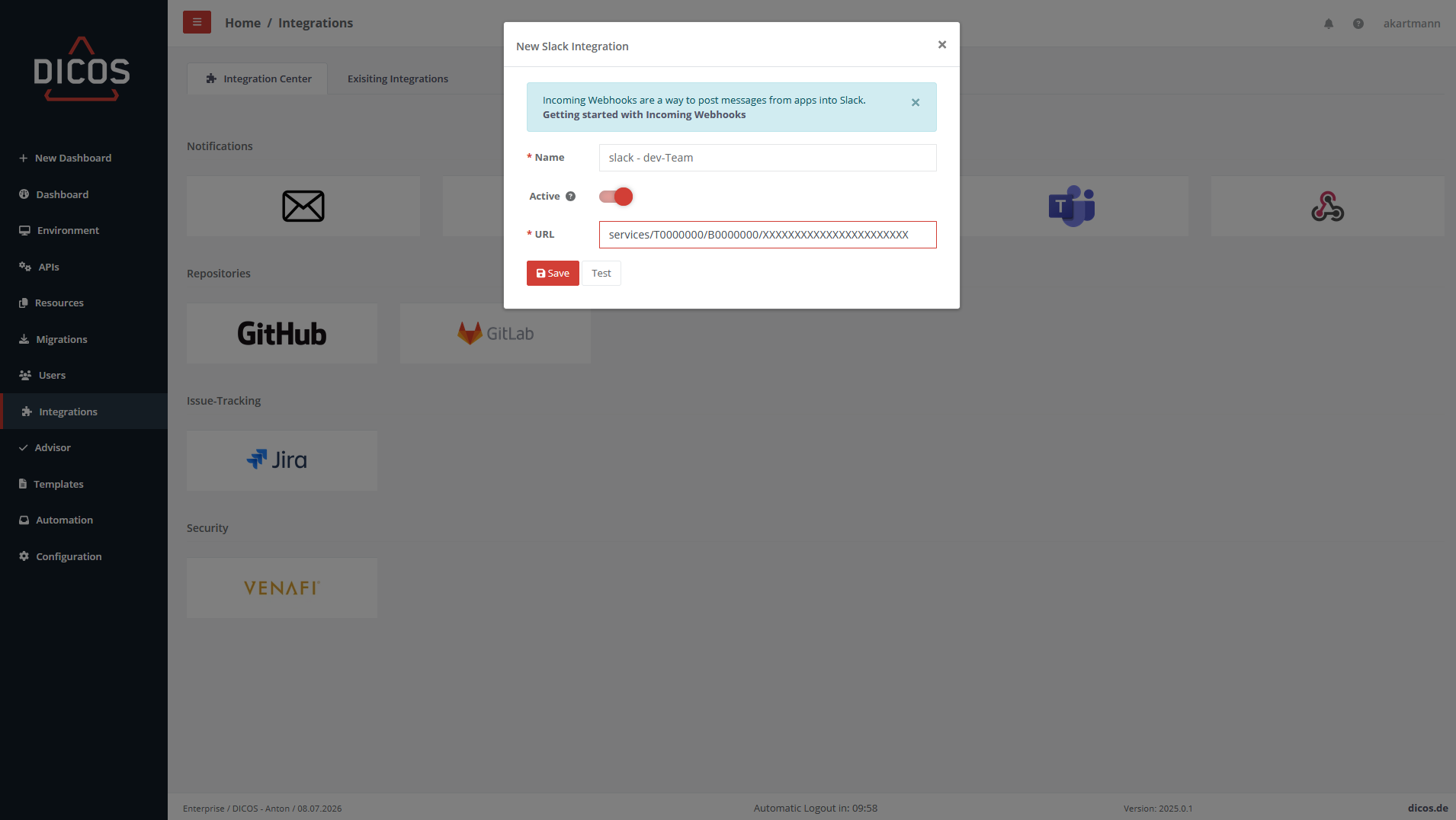
- After creating the webhook, copy the webhook url into the URL field of the Gateway Manager.
- You can create a new webhook in the same menu
https://api.slack.com/messaging/webhooks
With this integration, you can now set up automated notifications.