Authentication
DICOS API Gateway Manager supports three authentication methods.
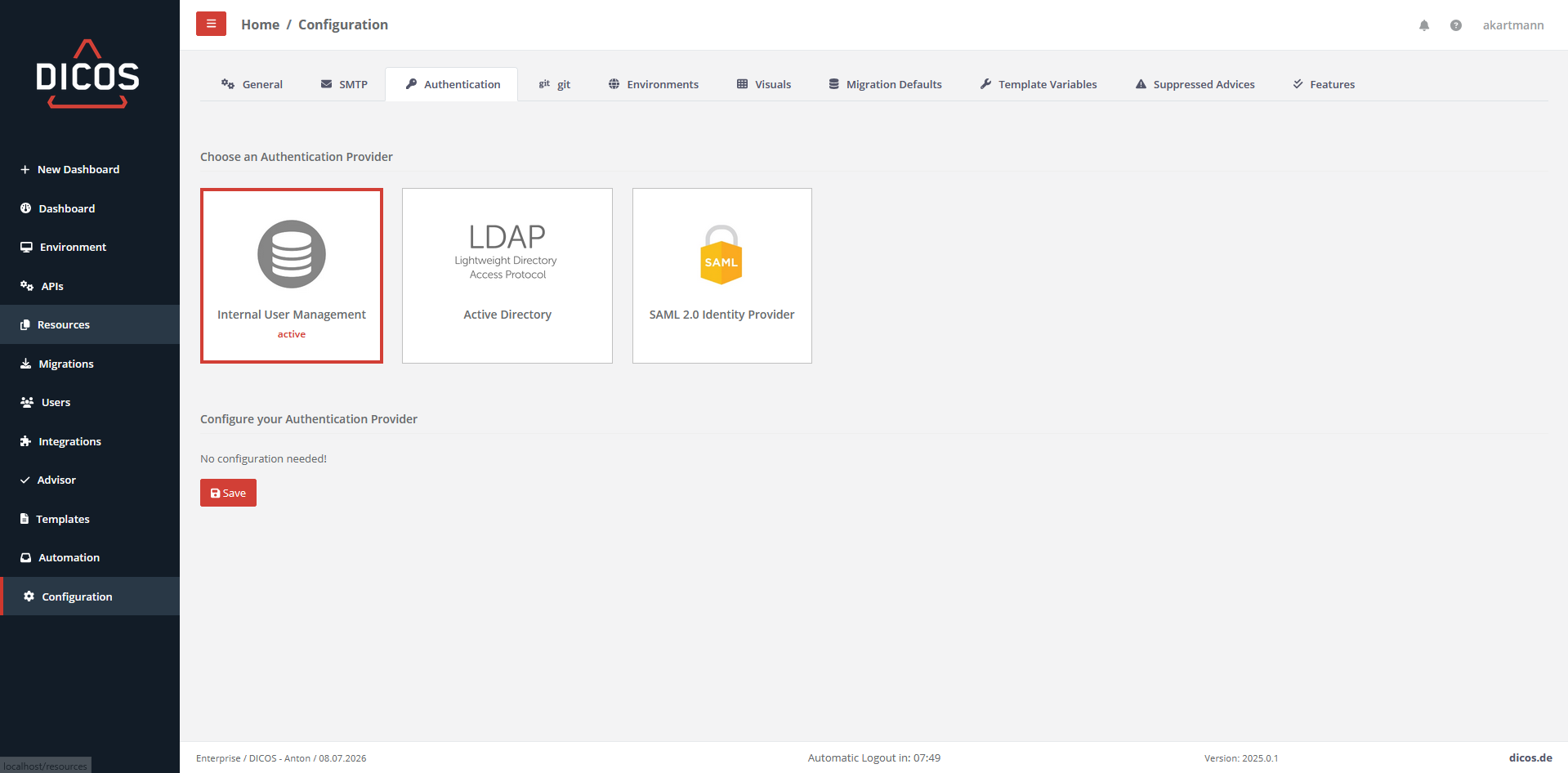
Internal User Management
You can manage the users under Users.
ActiveDirectory (LDAP)
When an Active Directory is connected and a user logs into AAGM, the user is pulled and created in AAGM.
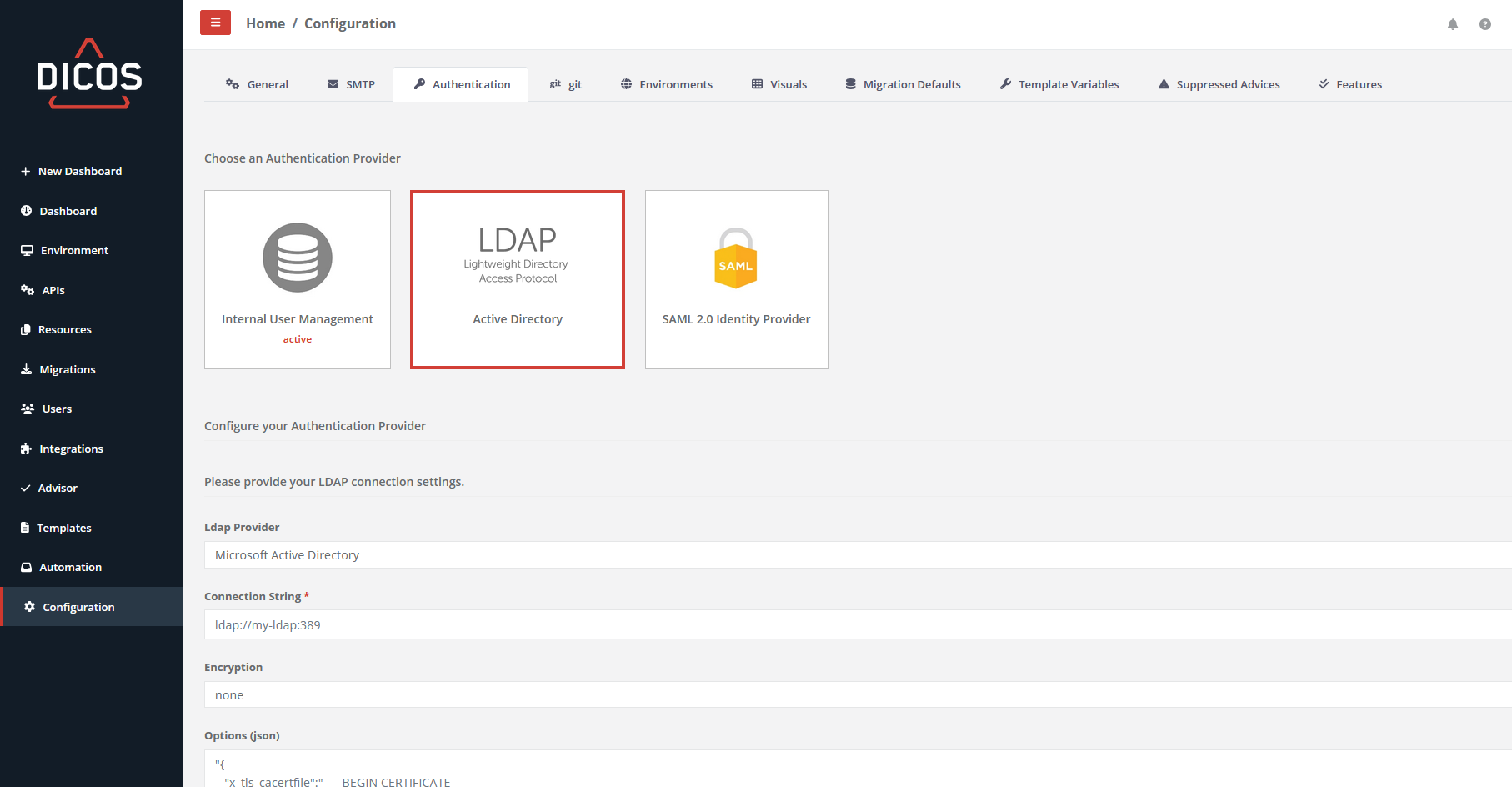
- Ldap Provider Microsoft Active Directory or an openLDAP can be selected.
- Microsoft Active Directory
- openLDAP
- Connection String This consists of the protocol, the domain and the port.
- ldaps://my-ldap:1234
- Encryption
- SSL
- TLS
- none
- Options (json)
java { "x_tls_cacertfile":"-----BEGIN CERTIFICATE----- MIIFazCCA1OgAwIBAgIUKJHXfgKThHc5dqU+vd2fm7IE+AswDQYJKoZIhvcNAQEL ... Your escaped json Ca certificate ... 8uvO5DPtOK3oTA4PoobumJO2DcC+dZ51yK1XzE4ItFF4h7AutghKNe64m3GdrBE= -----END CERTIFICATE-----" }- If the Active Directory is accessed via ldaps and has a self-signed certificate, the root certificate must be specified here. (escaped)
- Base DN
- dc=example,dc=org
- User name attribute
- cn
- Login domain
- Technical Read-Only User (DN)
- cn=admin,dc=example,dc=org
- Password
SAML 2.0 Identity Provider
Support for SAML (Security Assertion Markup Language) gives users access to DICOS API Gateway Manager through an identity provider (IDP) of your choice, using two-factor authentication.
Note: Authentication using SAML and using your internal user credentials are enabled in parallel and the user can choose which method to use.
Enabling SAML authentication is done in two easy steps:
Step 1: Configure DICOS API Gateway Manager
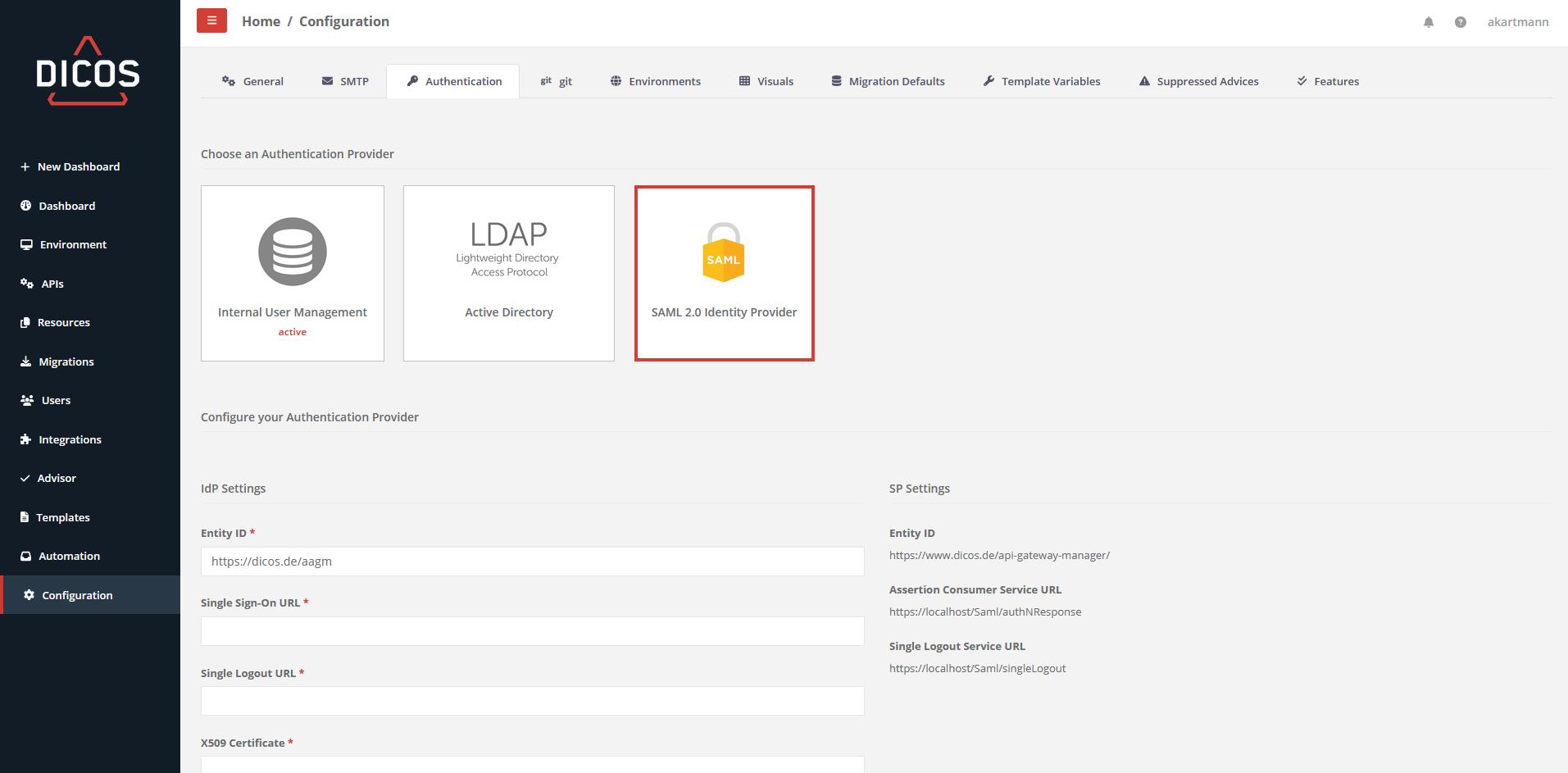
To configure DICOS API Gateway Manager for SAML authentication, go to Configuration > Authentication and select “SAML 2.0 Identity Provider”.
Configure the IDP settings according to your SAML identity provider, including its SAML signing certificate. You will typically find this information in the configuration or documentation of your identity provider software. To add the IDP’s SAML X.509 certificate, just open the .cer file in an editor and copy/paste the entire content of the file. In the example below, we are using DICOS Intelligent SSO as the identity provider:
Step 2: Configure the SAML Identity Provider
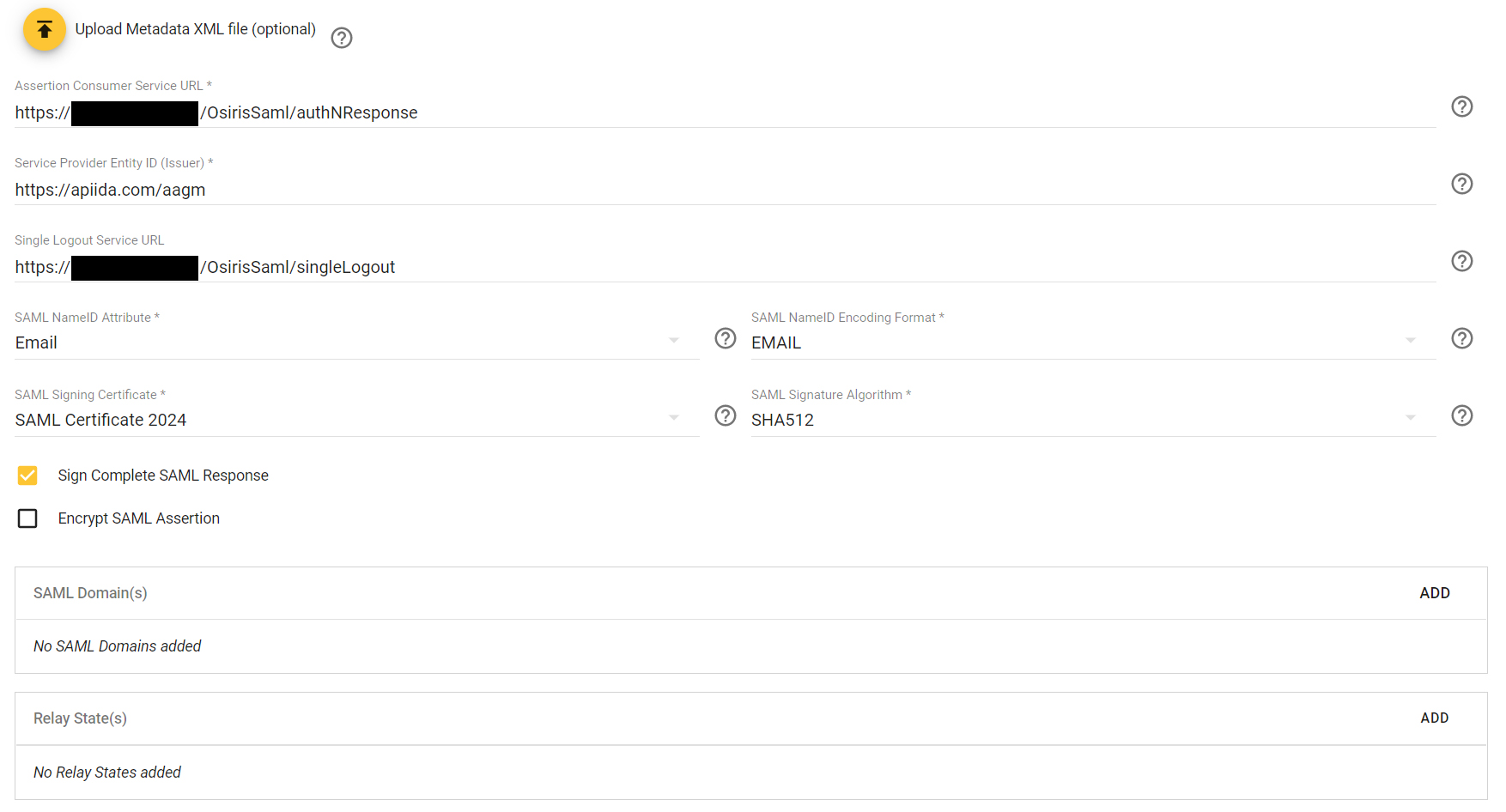
To configure your SAML Identity Provider, you find all the required settings on the configuration page above, incl.:
- Service Provider Entity ID (Issuer)
- Assertion Consumer Service URL
- Single Logout Service URL
Select Email as the SAML nameID attribute and encoding format.
Here is an example of a configuration for DICOS Intelligent SSO: