How to Download Solution Kits and Resources
- To download, you need to first Register with DICOS Support.
If you are already registered then just proceed to https://support.dicos.de and follow step 3 below.
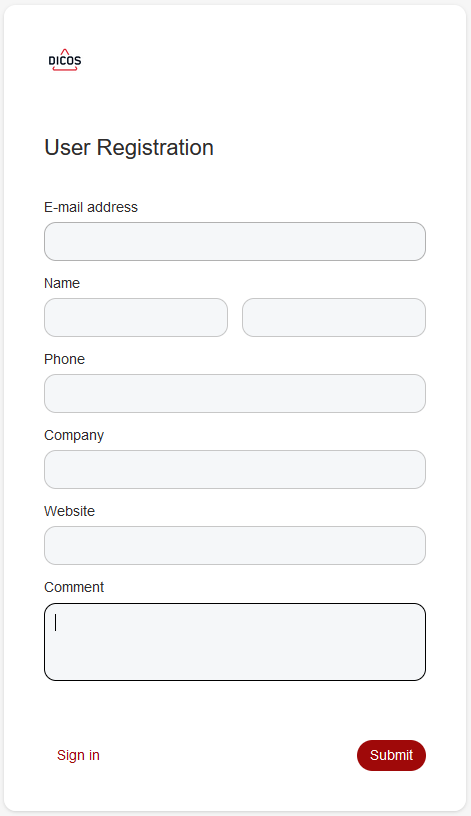
(please mention APIM in the Comment field to help support staff assign your account correctly)
- The next step will be for DICOS to approve your registration.
You will then be notified when your account is active and will be able to login. - Once you have logged in, you should see something like the following:
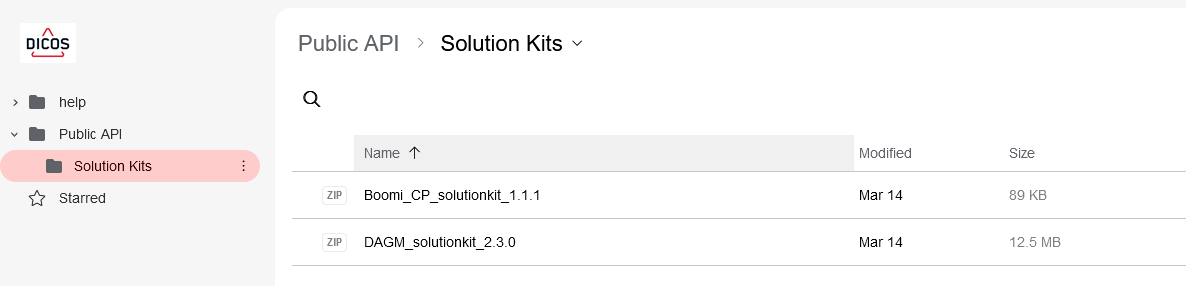
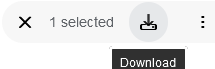
- Just select the Solution Kit you require and use the download icon to locally save it: