Upload your License
If your license has expired or you received a new license file, you can install the file directly on the server or upload it using your web browser.
Note: The Gateway Manager will automatically redirect you to the license file page if you call the Gateway Manager ( https://your-dagm-address ) for the first time and you did not provide a license file “aagm.lic” in the working directory beforehand.
Install with a web browser
- Open a web browser and browse to the address https://your-dagm-address/license
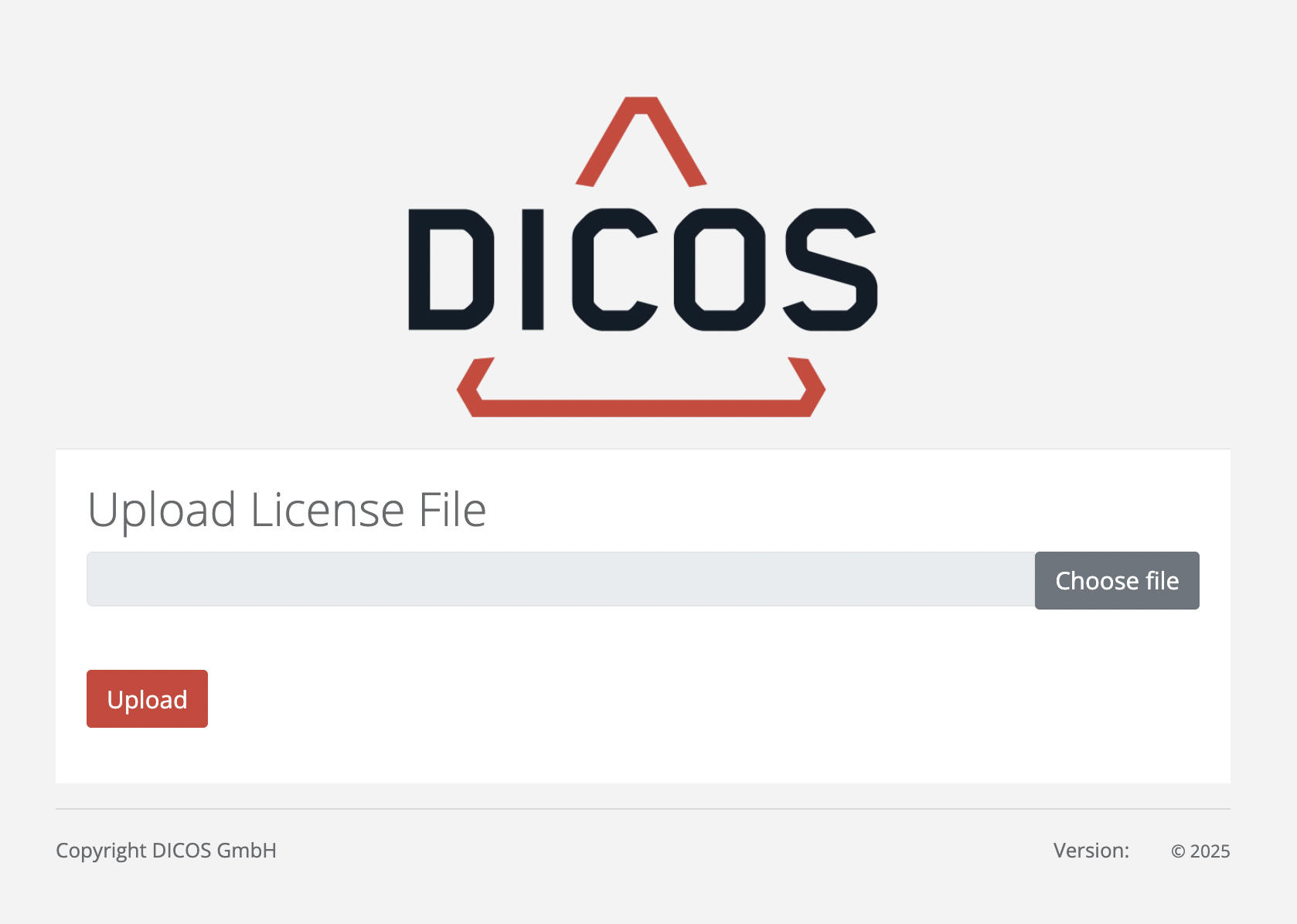
- Click on
and upload your license file. - Click on
and go to your Dashboard by browsing to https://your-dagm-address/
Install with CLI
- Upload your new license file to the folder /opt/aagm/ on your DICOS API Gateway Manager container
- Rename your license file to 'aagm.lic'
- Restart the DICOS API Gateway Manager
The licence is installed! Start the First Run Wizard.